# WiFi adapter
The CM-Home has placement for an optional 2.4GHz WiFi module.
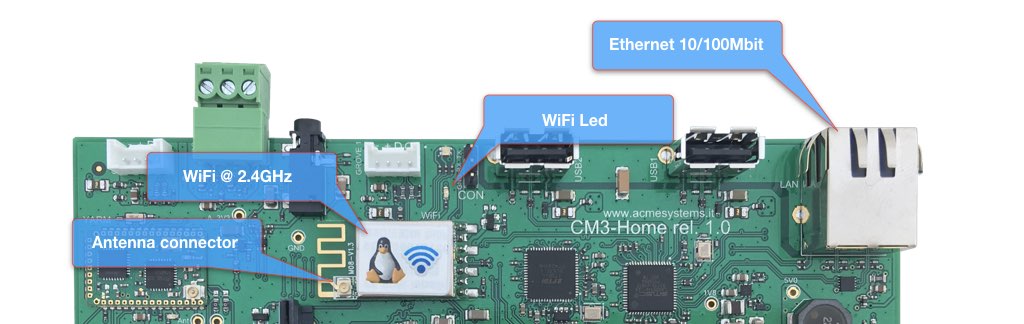
This placement is designed for the [WIFI-5 OEM module](/WIFI-5) and is connected via a USB 2.0 to the LAN9514 chip.
This module is based on the MediaTek MT7601U chip and is fully supported by the Raspberry Pi OS.
It can be molded directly on a the CM Home PCB. It works just as client (no access point mode).
Two types of antennas are available:
* PCB antenna (Code AN-WIFI-01)
* Rubber antenna (Code AN-WIFI-02)
Alternatively, a [WIFI-3 USB dongle](/WIFI-3) can be used, which supports access point mode at 2.4 and 5.8 GHz.
Buy the WIFI accessories
### Turn-on the WiFi adapter
The WiFi adapter is off by default.
The GPIO 37 line controls the WiFi power line.
Hi=On, Low=Off.
* Power on gpioset $(gpiofind GPIO37)=1
* Power off gpioset $(gpiofind GPIO37)=0
@include='adv_cmpanel'