#WEB access
Each Acme board has a pre-installed web server ready to hosts your own web pages or runs your php applications.
If you are using a bootable microSD with Kernel 3.11.x or higher open your browser and go to this URL:
* [http://ariag25.local](http://ariag25.local)
If nothing appear read [how to install Bonjour on your PC](/bonjour).
The default web page will appear:
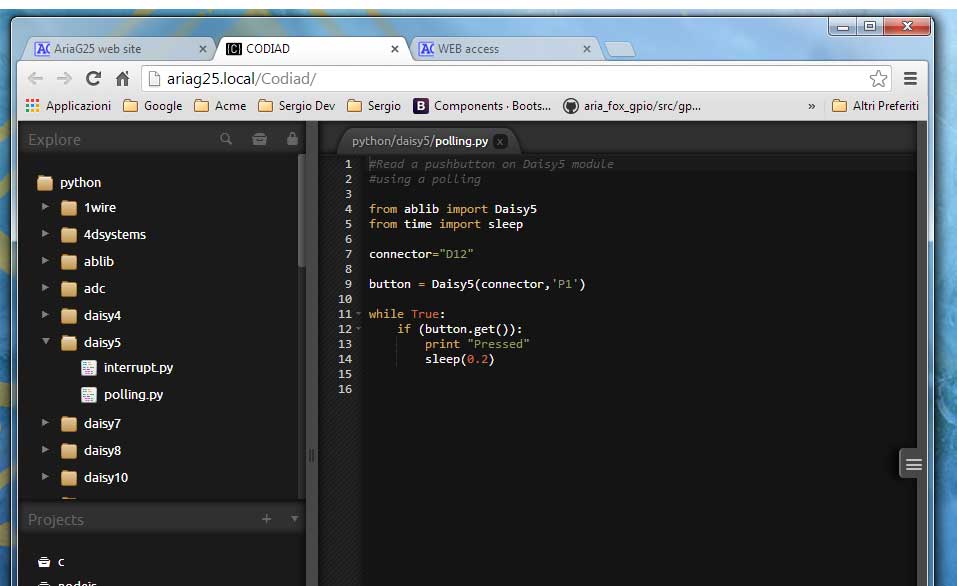
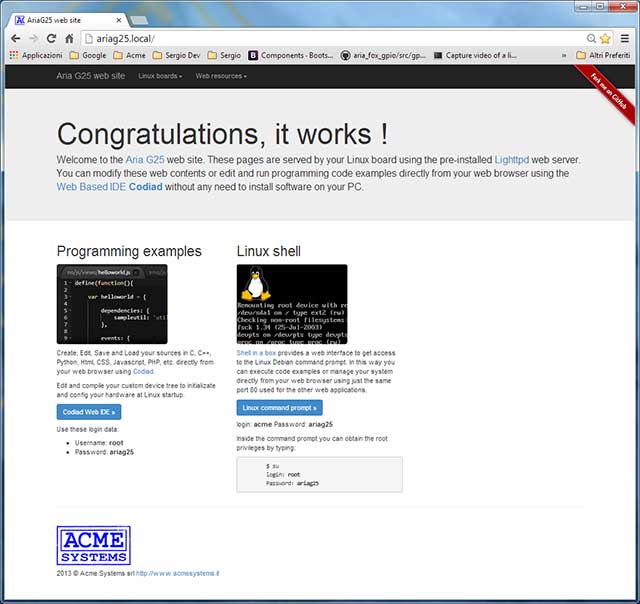 From this page you can have access to the [Codiad Web editor](http://codiad.com/) already installed on the Acme board
end try some programming examples or create your own. It is possible also to have access to the Linux command line to
launch your program or manage the board.
From this page you can have access to the [Codiad Web editor](http://codiad.com/) already installed on the Acme board
end try some programming examples or create your own. It is possible also to have access to the Linux command line to
launch your program or manage the board.
 If you are using a bootable microSD with Kernel 2.6.x you have to discover what is the IP
address assigned to your Acme board (@article='ip_discovering') then open your preferred
web browser and type this address in the browser URL field.
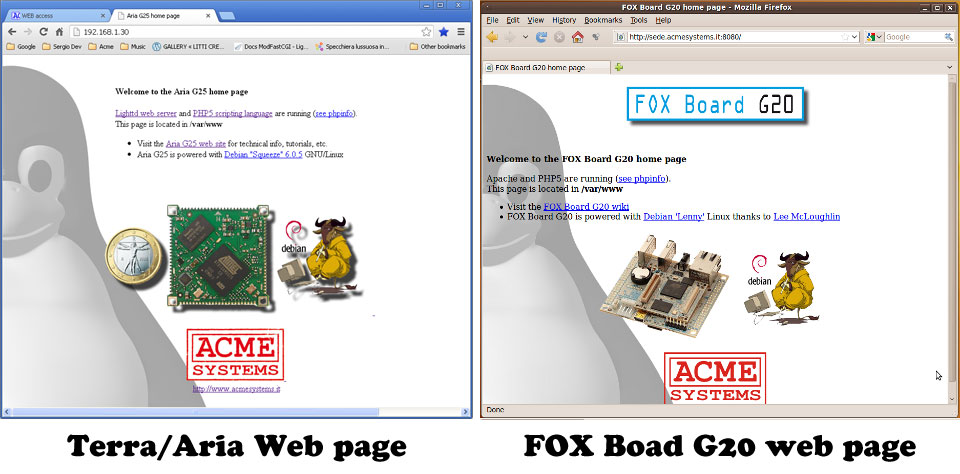
This is the default web page. To change it with your own pages simply save them on the directory /var/www.
The default web server Lighttpd (http://www.lighttpd.net).
If you are using a bootable microSD with Kernel 2.6.x you have to discover what is the IP
address assigned to your Acme board (@article='ip_discovering') then open your preferred
web browser and type this address in the browser URL field.

This is the default web page. To change it with your own pages simply save them on the directory /var/www.
The default web server Lighttpd (http://www.lighttpd.net).
 A fully working PHP language interpreter is alredy installed on the board.
 To see it running set this URL on your browser http://board_ip_address/info.php.