#ASF library required to follow the Acme Systems Yarm tutorials
This article illustrates how to add the minimal set of ASFlibraries requested to follow the Acme Systems Yarm tutorials
## Add the ASF libraries required by your project
The [Atmel Software Framework (ASF)](http://www.atmel.com/tools/avrsoftwareframework.aspx) is a large collection of libraries
included by Atmel inside Atmel Studio to simplify our job with an abstraction of the internal MPU peripherals.
To use the ASF modules in your project select Project -> ASF Wizard and then
your project name from the Project drop down list.
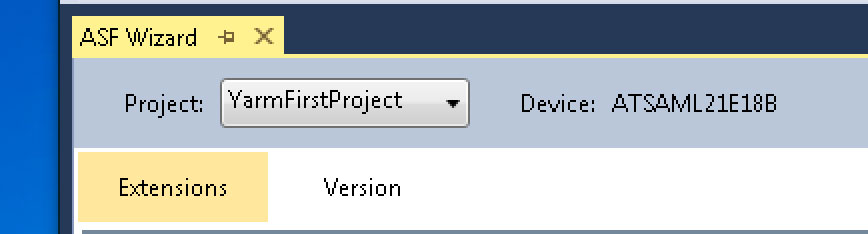 Drag and drop the modules to include in your project from the left side to the right side.
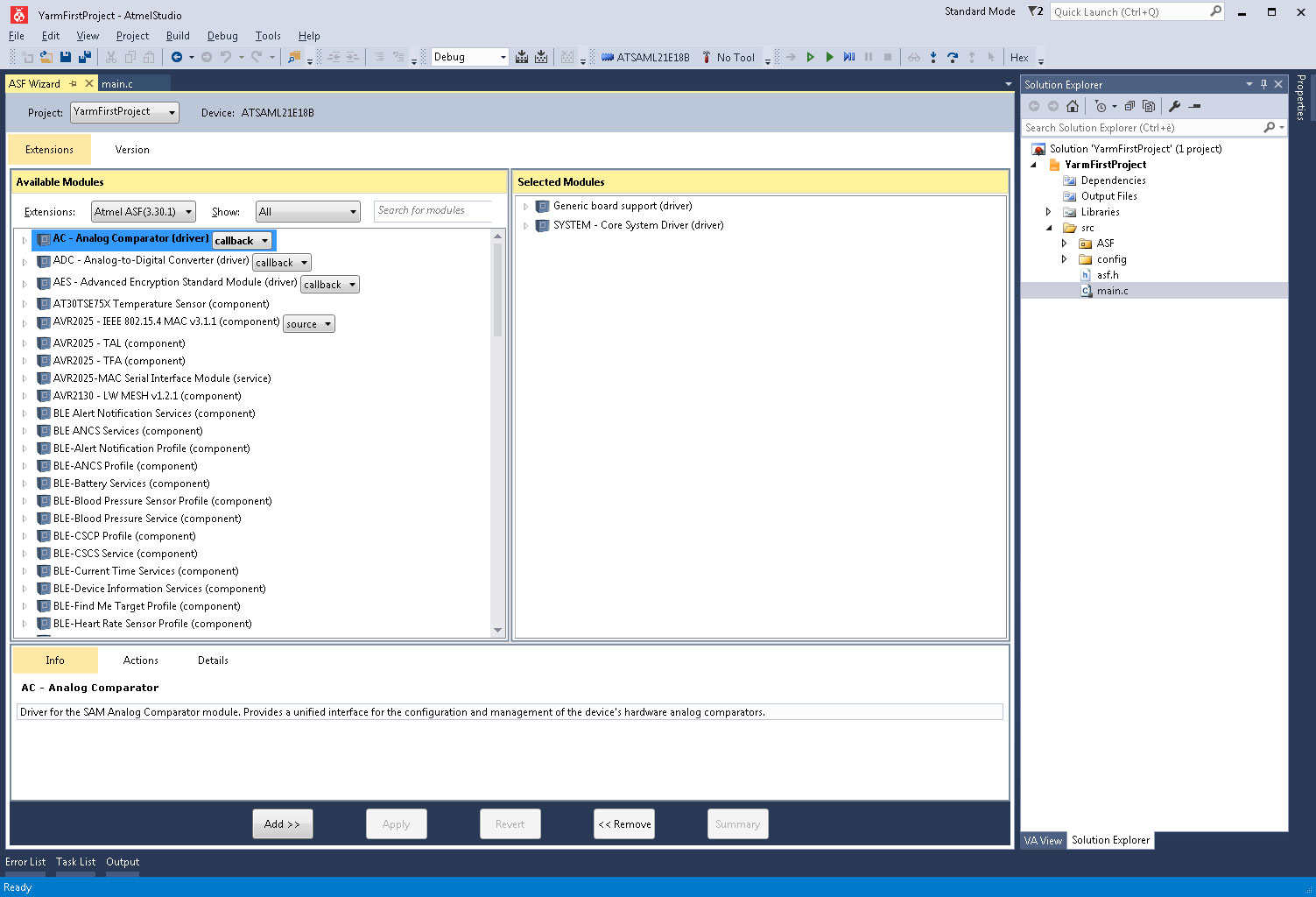 Add these ASF modules to do a simple blinking led code example:
* Generic board support (driver)
* Delay routines (service) [cycle]
* EXTINT - External Interrupt (driver) [callback]
* PORT - GPIO Pin Control (driver)
* RTC - Real Time Counter Driver (driver) [count_callback]
* SERCOM I2C - Master Mode I2C (driver) [polled]
* SERCOM SPI - Serial Peripheral Interface (driver) [callback]
* SERCOM USART - Serial Communication (driver) [polled]
* SYSTEMS - Core Systems Driver (driver)
* Standard serial I/O (stdio) (driver)
* IOPORT – General Purpose I/O (service)
* TC – Timer Counter (driver) [callback]
Press the Apply button to confirm the operation.
##Links
* [ASF modules for SAML21](http://asf.atmel.com/docs/latest/search.html?device=saml21)
Add these ASF modules to do a simple blinking led code example:
* Generic board support (driver)
* Delay routines (service) [cycle]
* EXTINT - External Interrupt (driver) [callback]
* PORT - GPIO Pin Control (driver)
* RTC - Real Time Counter Driver (driver) [count_callback]
* SERCOM I2C - Master Mode I2C (driver) [polled]
* SERCOM SPI - Serial Peripheral Interface (driver) [callback]
* SERCOM USART - Serial Communication (driver) [polled]
* SYSTEMS - Core Systems Driver (driver)
* Standard serial I/O (stdio) (driver)
* IOPORT – General Purpose I/O (service)
* TC – Timer Counter (driver) [callback]
Press the Apply button to confirm the operation.
##Links
* [ASF modules for SAML21](http://asf.atmel.com/docs/latest/search.html?device=saml21)