The Debug Port Interface (DPI)
Driver
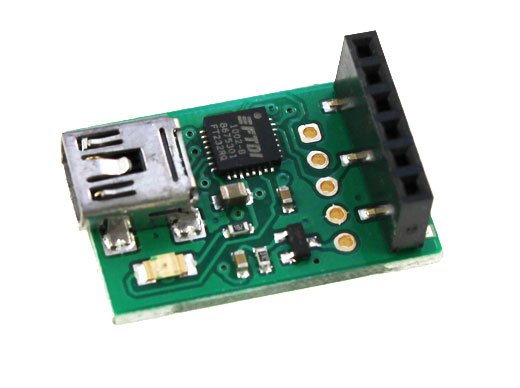
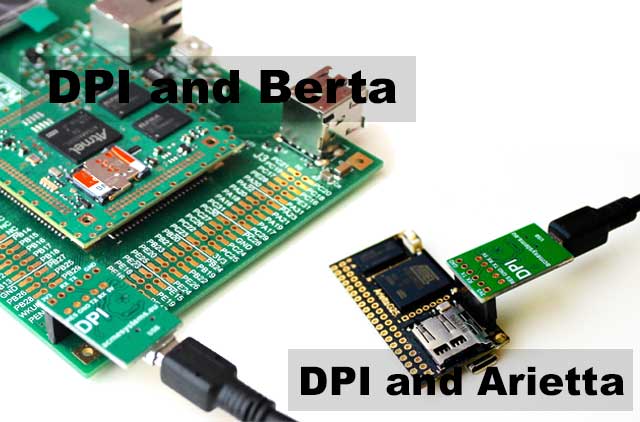
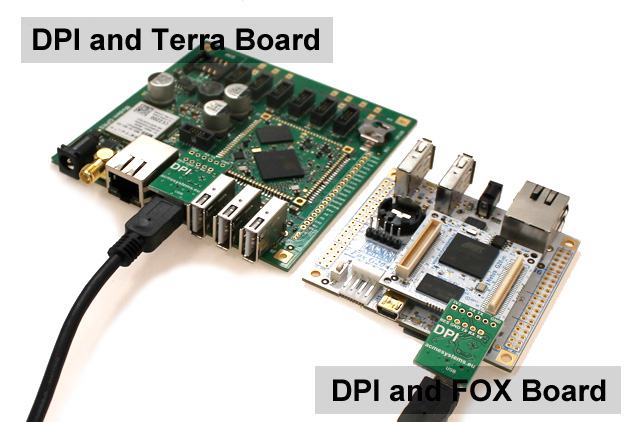
DPI is based on the popular FTDI FT232 chip and its driver are often already installed on any operating system.
If not download and install it from this page:
Windows users can click on "setup executable class='acmetable'" link available on this page and execute it to install the driver:

Using the DPI on Windows
putty is a free and sample utility to get access to the serial port available using the DPI
It doesn't need to be installed, just download and run it.
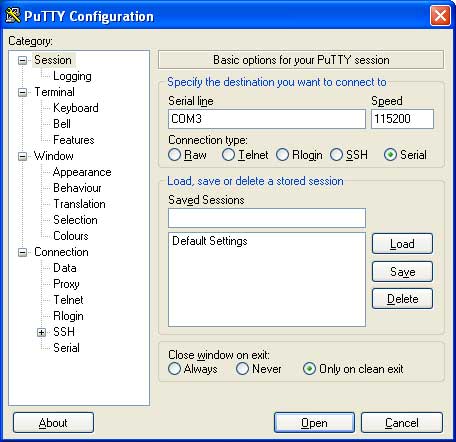
At startup you have to specify:
- Connection type: Serial
- Serial line: COMx where x is the serial port allocated by the ftdi device driver
- Speed: 115200
Save this configuration and press the Open button to continue.
You will receive a request of login end password.
To know which COMx has been allocated for the DPI adapter press the Windows key + R shortcut to bring up the Run dialog, or open the Command Prompt.
Type "control printers" and press Enter. The Devices and Printers window will open immediately.
Right-click on the FT232R USB UART icon and select "Hardware" tab:
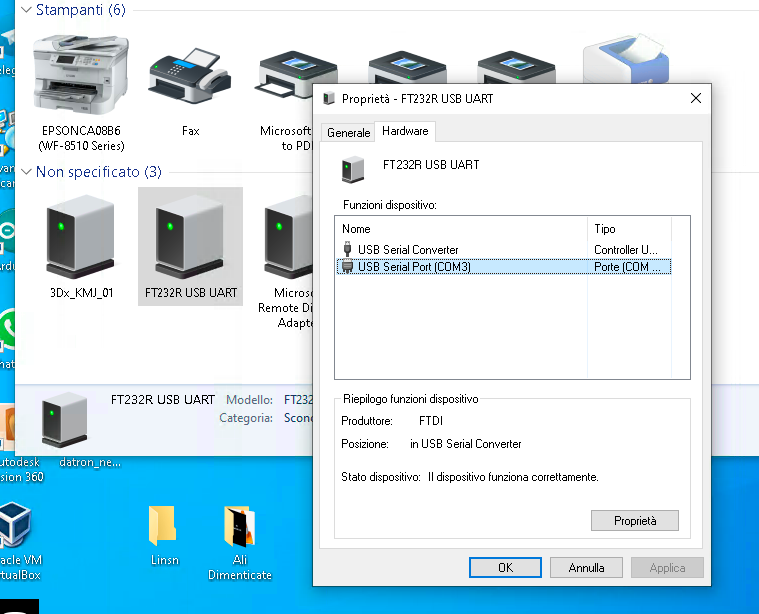
Using the DPI on Linux
A simple terminal emulator available on Linux is minicom.
On Ubuntu/Debian distributions you can install it by typing:
sudo apt update
sudo apt install minicom
To run it type:
sudo minicom
Type CTRL-A followed by O to show the configuration panel. Then select Serial port setup and access to the serial port configuration.
Set the port as shown below:
+-----------------------------------------------------------------------+
| A -    Serial Device      : /dev/ttyUSB0                              |
| B - Lockfile Location     : /var/lock                                 |
| C -   Callin Program      :                                           |
| D -  Callout Program      :                                           |
| E -    Bps/Par/Bits       : 115200 8N1                                |
| F - Hardware Flow Control : No                                        |
| G - Software Flow Control : No                                        |
|                                                                       |
|    Change which setting?                                              |
+-----------------------------------------------------------------------+
    | Screen and keyboard      |
    | Save setup as dfl        |
    | Save setup as..          |
    | Exit                     |
    +--------------------------+
Type ESC the select Save setup as dfl. Then ESC again. Now pressing Enter you could have access to the board login.
Schematic
Links
Buy
